Portfolio

PORTFOLIO

Selected Communication Projects

This portfolio brings together writing, video, social media and digital communication projects I completed during COMM 310.

Some started with a blank page. Others started with an interview, a source, a message that was not clear yet or an audience that changed halfway through the process.

I have included the finished work, but I also want this page to show some of the decisions behind it.

Explore the Projects

Coach Alliance Personal Brand Video

Coach Alliance Personal Brand Video

I wrote and produced a short personal-brand video built around one question I keep coming back to when I teach: can someone use the skill when no one is standing beside them? The script introduces my work as Coach Alliance without turning the video into a spoken résumé. I used direct-to-camera sections, training footage, screen recordings and examples from graphic design and Microsoft Office. The final message stays practical: digital skills matter when people can use them to solve a real problem, create something or work more effectively.

Skills shown: scriptwriting, audience strategy, story structure, video planning, visual communication

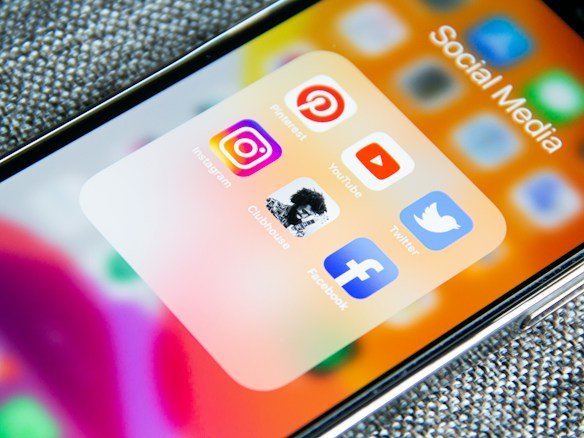
A phone being used to share and adapt content across two different social media platforms

One Video, Two Platforms

For this project, I adapted the Coach Alliance video for Facebook and LinkedIn instead of copying the same caption twice. The Facebook version was more personal and invited people to talk about a digital skill that had actually helped them. The LinkedIn version focused more on training, independent problem-solving and what it means to know a tool well enough to use it alone. I also prepared Facebook Story copy and thought through the analytics I would watch after publishing, including views, comments, shares and the types of people responding.

Skills shown: platform-specific writing, social copy, audience adaptation, engagement strategy, analytics thinking

A document being reviewed, representing the Adobe Acrobat AI press release

Adobe Acrobat Productivity Agent Press Release

I wrote a press release based on Adobe’s Sept. 9, 2026 announcement about new AI capabilities in Acrobat. The challenge was taking a large product update and deciding what belonged near the top. I led with the practical change for users: Acrobat can now turn complex documents into visual reports, audio summaries and presentations. From there, I used an inverted-pyramid structure, a verified executive quote, availability details, a boilerplate and media contact information. The final version follows the structure of a professional release instead of reading like a product review.

Skills shown: press-release structure, AP Style, headline writing, source verification, inverted pyramid

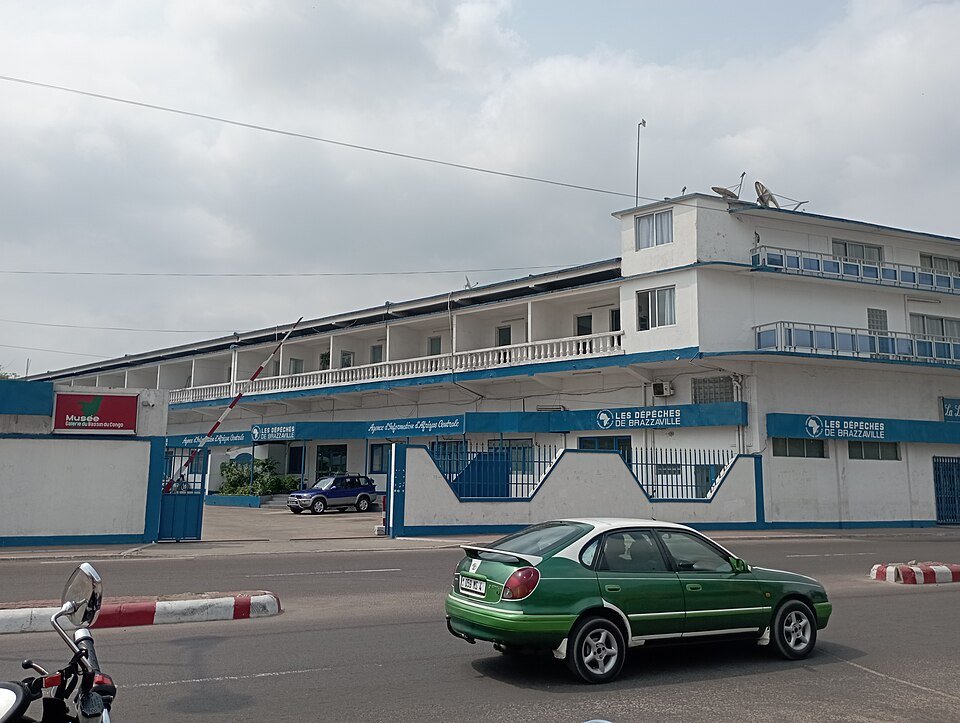
City center of Brazzaville, Republic of the Congo

How AI Is Already Being Used in Brazzaville

This article started with two face-to-face interviews in Brazzaville. Cyprienne KENAKALE, a digital marketing and communication student at WinnerVerse University, told me she uses AI when she needs more examples or context in a course. Chris MOUSSOKI, a logistics and transport teacher at World Winner Academy, uses AI for productivity but warned that its answers still need to be checked. I combined those two perspectives with reporting from the Agence Congolaise d’Information and Les Dépêches de Brazzaville. The article stays local and focuses on how people are already using AI, not on predicting what AI might become.

Skills shown: interviewing, news writing, source integration, AP Style, local reporting, balanced framing

What Came Before the CEO Title

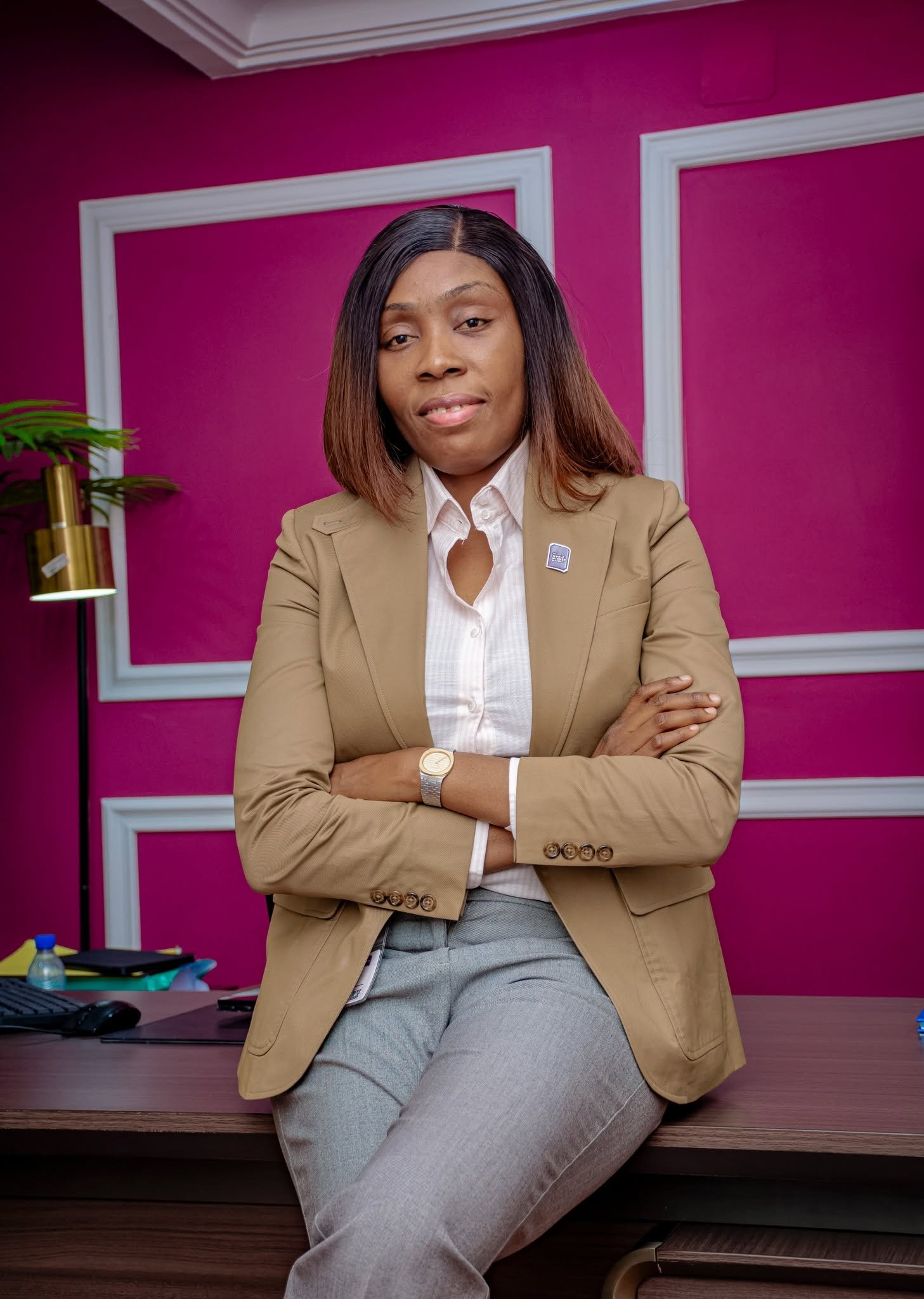
I interviewed Dr. Mélodie BOUEYA in her office at World Winner Academy and expected the story to be mostly about leadership. The interview went somewhere more personal. The feature looks at her childhood in Brazzaville, living with sickle cell disease, the uncertainty around her early years and the discipline she connects to the way she works today. I tried not to turn illness into a dramatic device or reduce her life to a success story. The article uses a human-interest structure, outside health sources and a real portrait, and I published the finished piece on Medium.

Skills shown: feature writing, long-form interviewing, human-interest storytelling, ethical framing, research, digital publishing

ClearWeek for Students

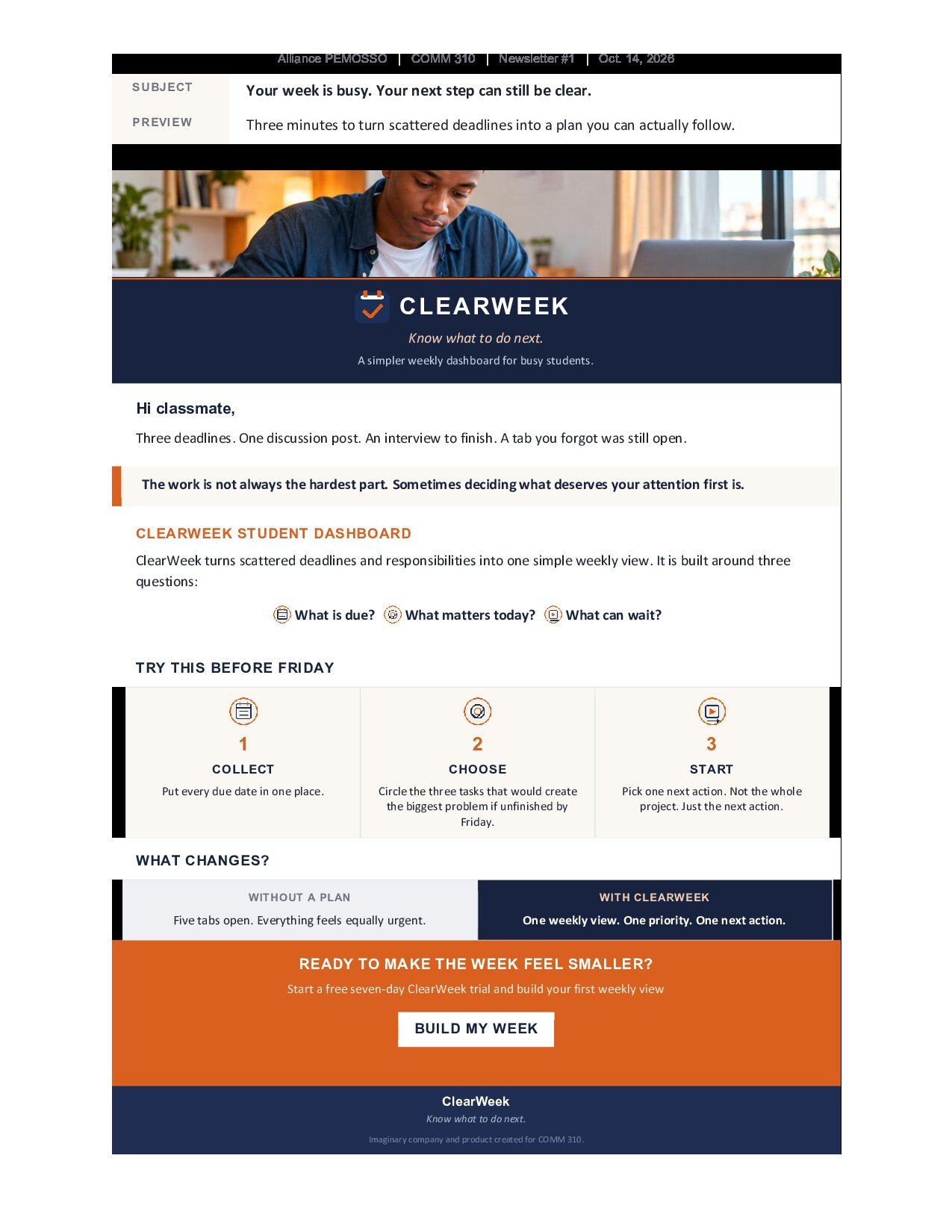
ClearWeek is an imaginary student-productivity company I created for the newsletter unit. Newsletter #1 speaks directly to busy college students who may have several deadlines open at once and are not sure what deserves attention first. I kept the copy short and built the email around three questions: What is due? What matters today? What can wait? The newsletter uses a subject line, preview text, a three-step section, a before-and-after comparison and one clear call to action, “Build My Week.” The design stays simple enough to scan quickly on a phone.

Skills shown: email copywriting, visual hierarchy, CTA writing, audience targeting, information design

ClearWeek for Parents and Guardians

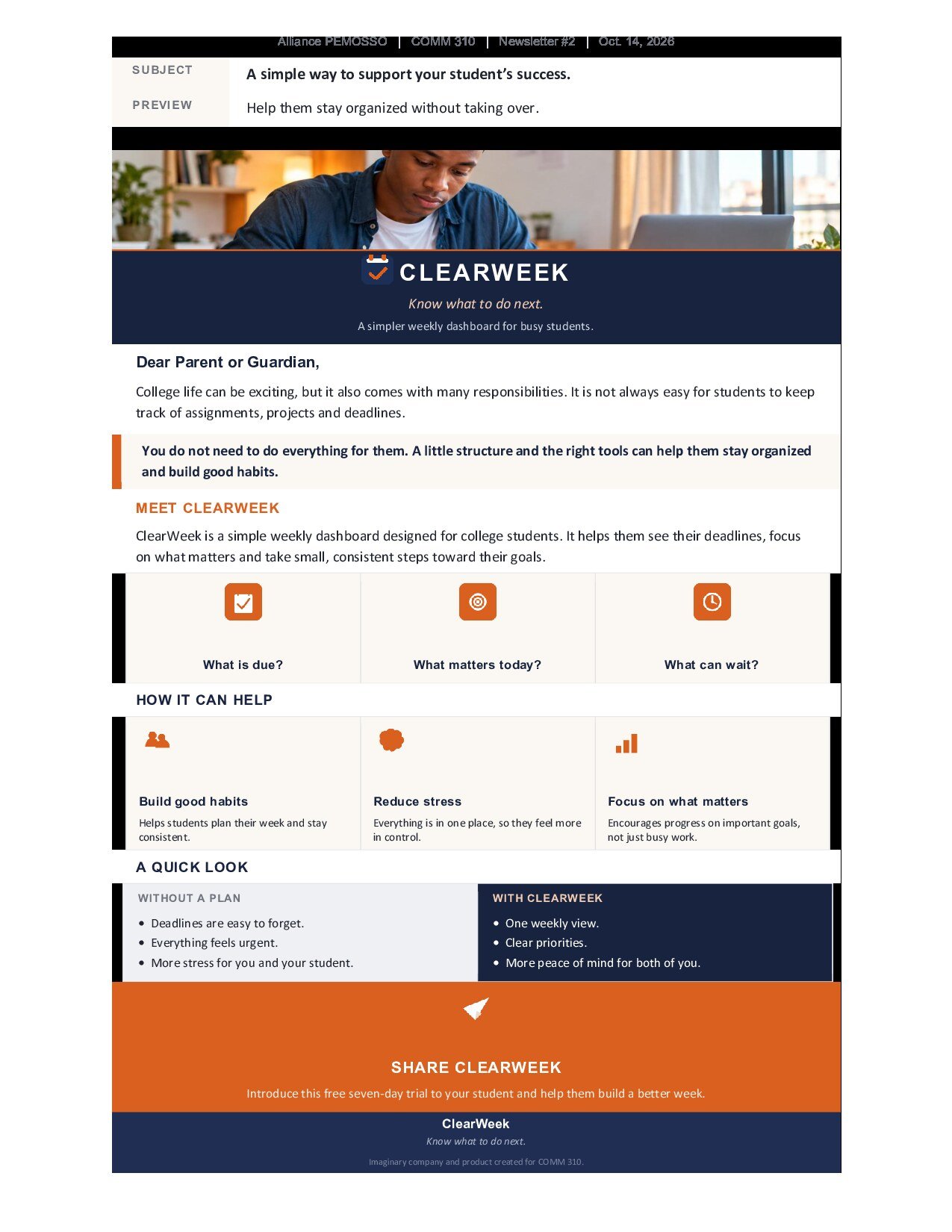
For Newsletter #2, I kept the same ClearWeek company, slogan and Student Dashboard but changed the audience completely. The new reader is a parent or guardian of a college student. That meant the message also had to change. Instead of telling the student how to organize a week, the newsletter talks about helping without taking over. I rewrote the subject line, preview text, examples, comparison section and call to action around that idea. The final CTA is “Share ClearWeek,” because the parent can introduce the tool while the student still controls the plan.

Skills shown: audience adaptation, email strategy, message reframing, copy editing, brand consistency